01
Bundles that sort themselves
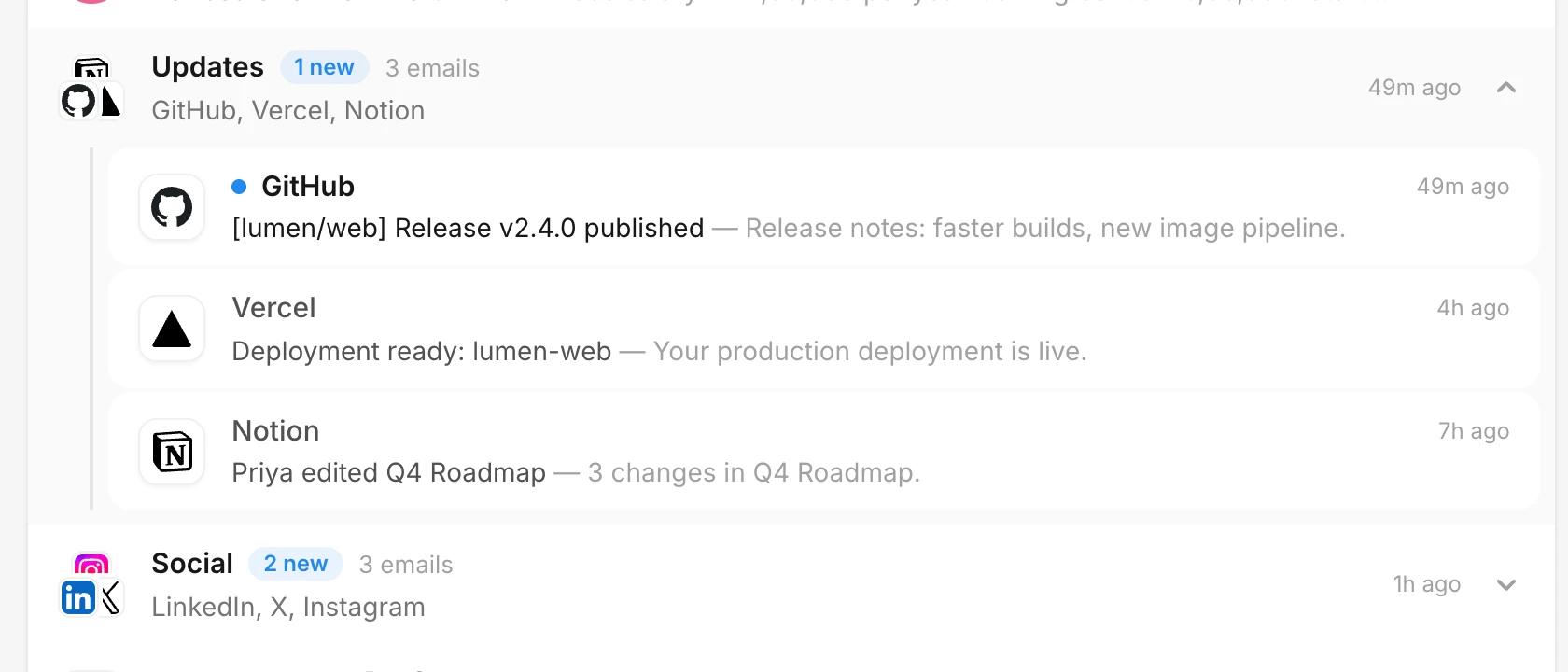
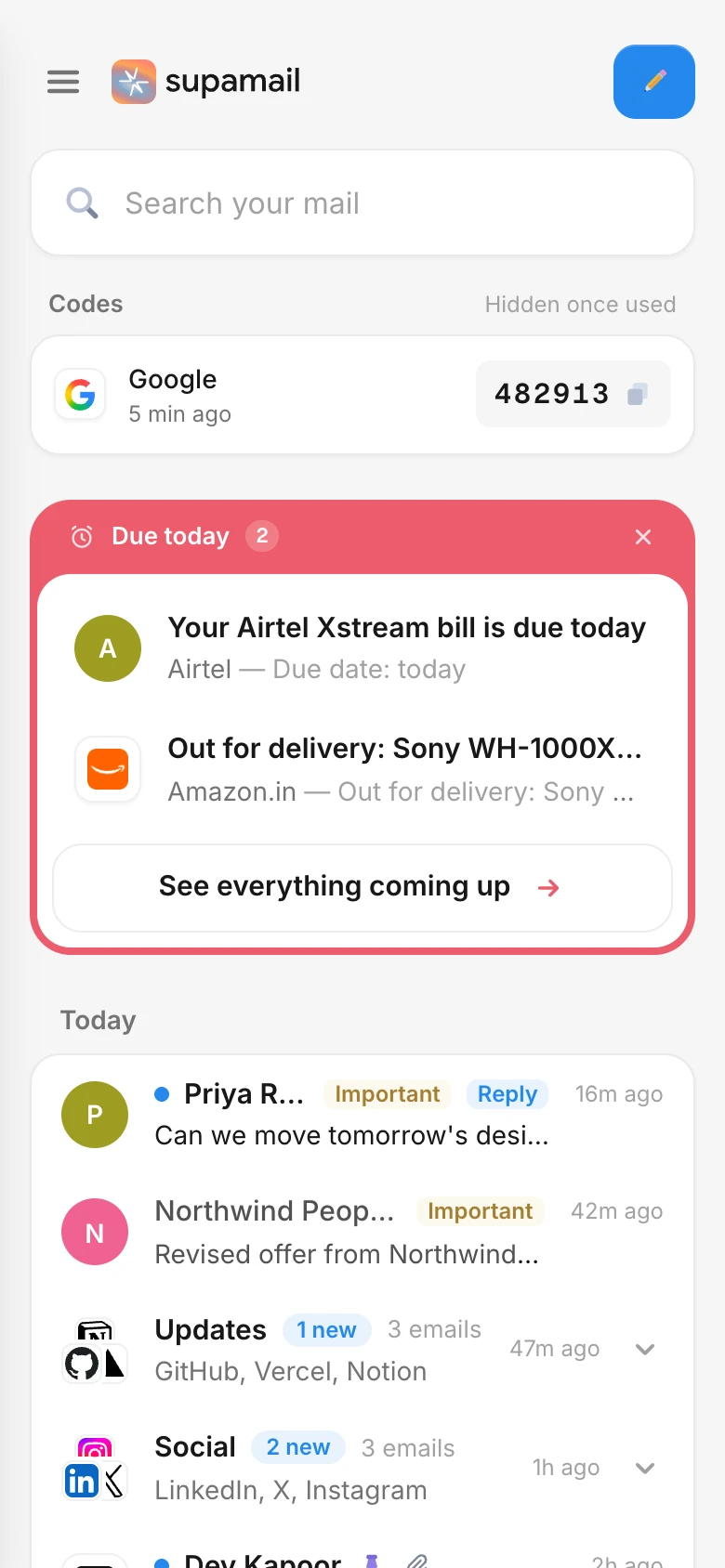
Updates, promos, social and more gather under one row with their senders' logos. Open a bundle to skim it, or sweep the whole thing done in one click.
Works with Gmail, Outlook and any IMAP mailbox
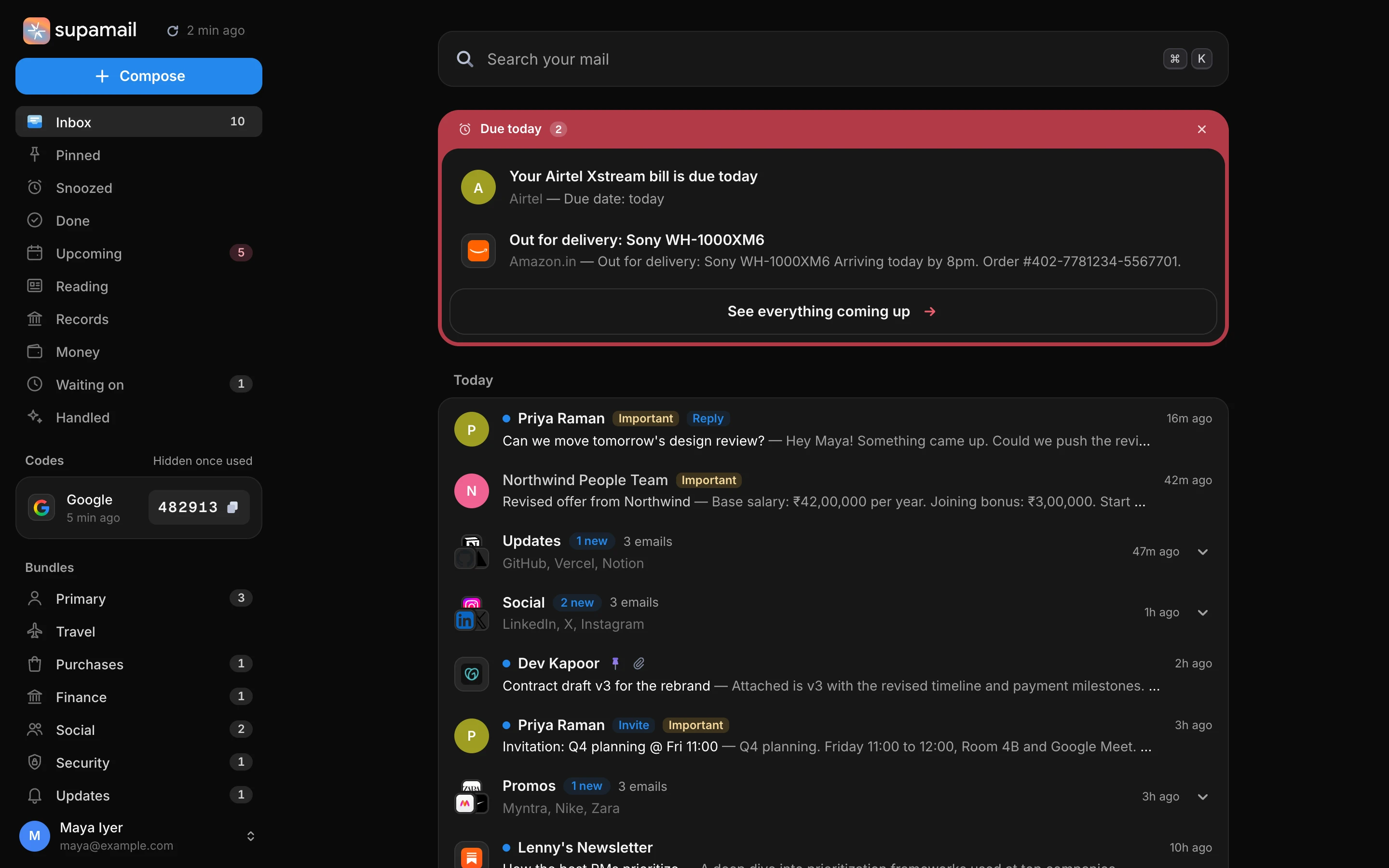
Supamail sorts every email into bundles, files receipts the moment they land, folds order updates into one card, and lets mail leave on its own once it's done. You only see what still needs you.



How it works
Supamail reads each email once, decides what it's for, and follows a set of plain rules about when it's done. Cleared mail is never deleted: it stays in its bundle and in search.
01
Updates, promos, social and more gather under one row with their senders' logos. Open a bundle to skim it, or sweep the whole thing done in one click.
02
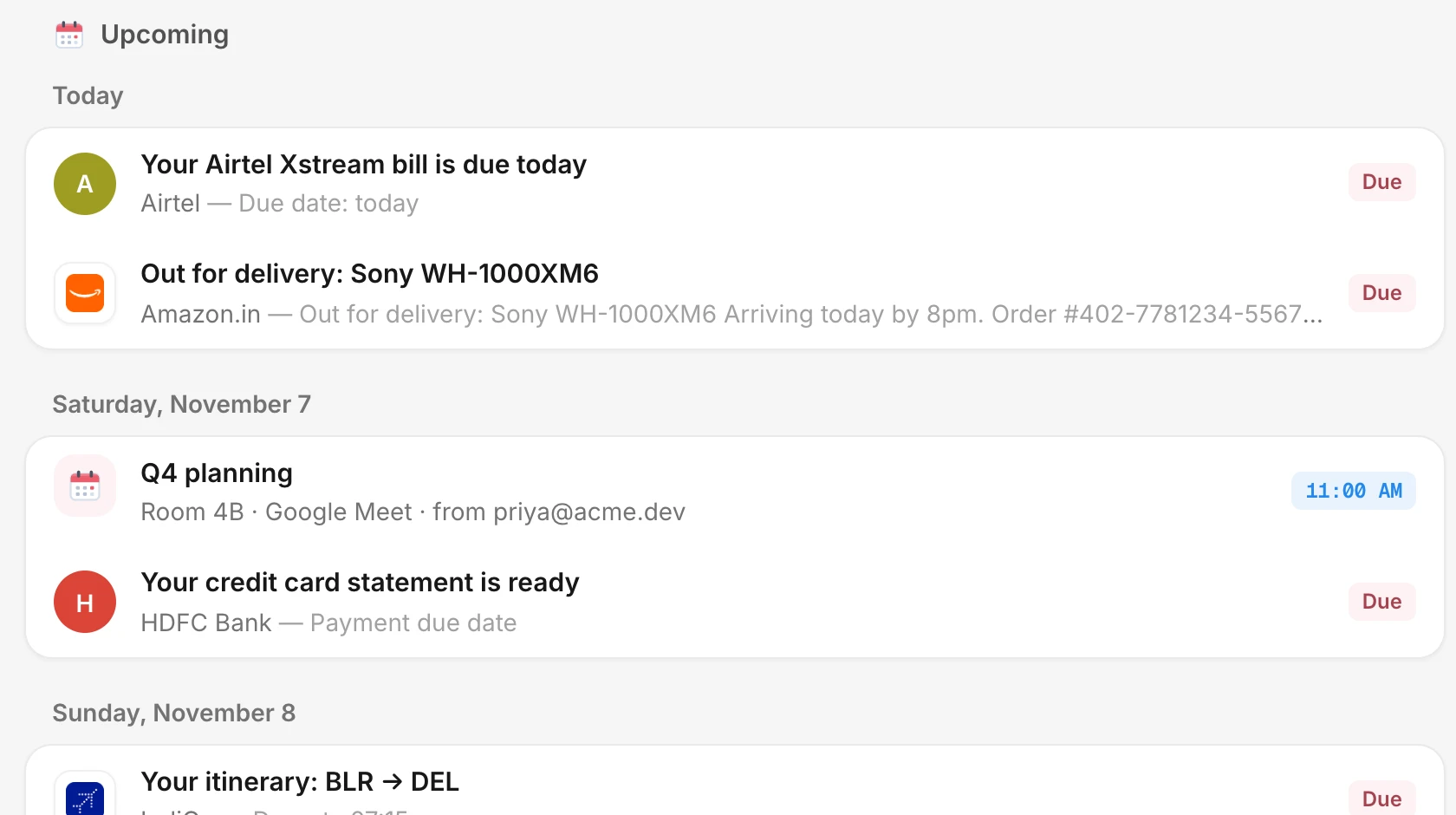
Bills, deliveries and deadlines rise to the top when they matter. Upcoming lays out everything ahead: invitations, flights, renewals.
03
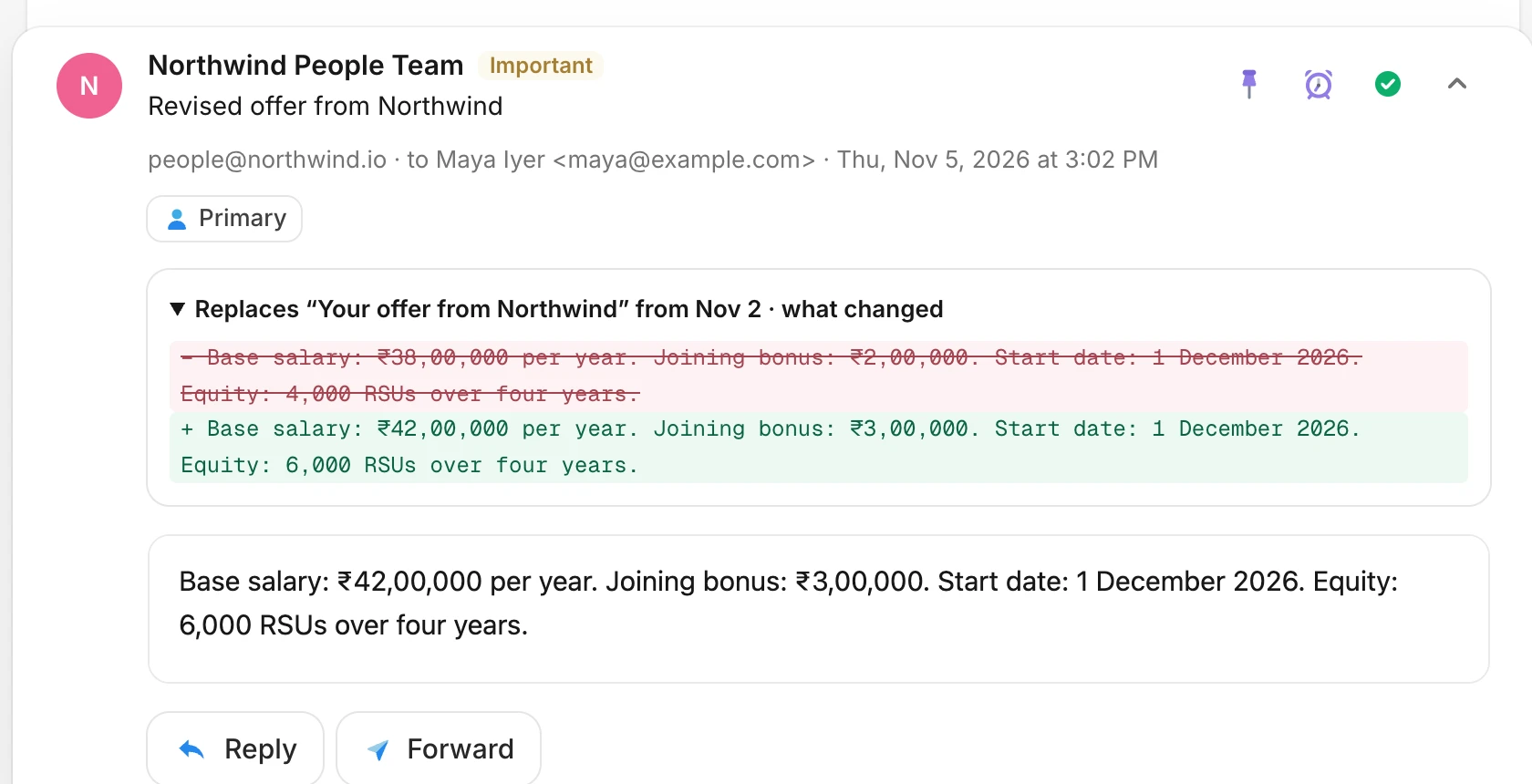
When a revised offer or an updated invoice arrives, the old one steps aside and you see exactly what's different, line by line.
04
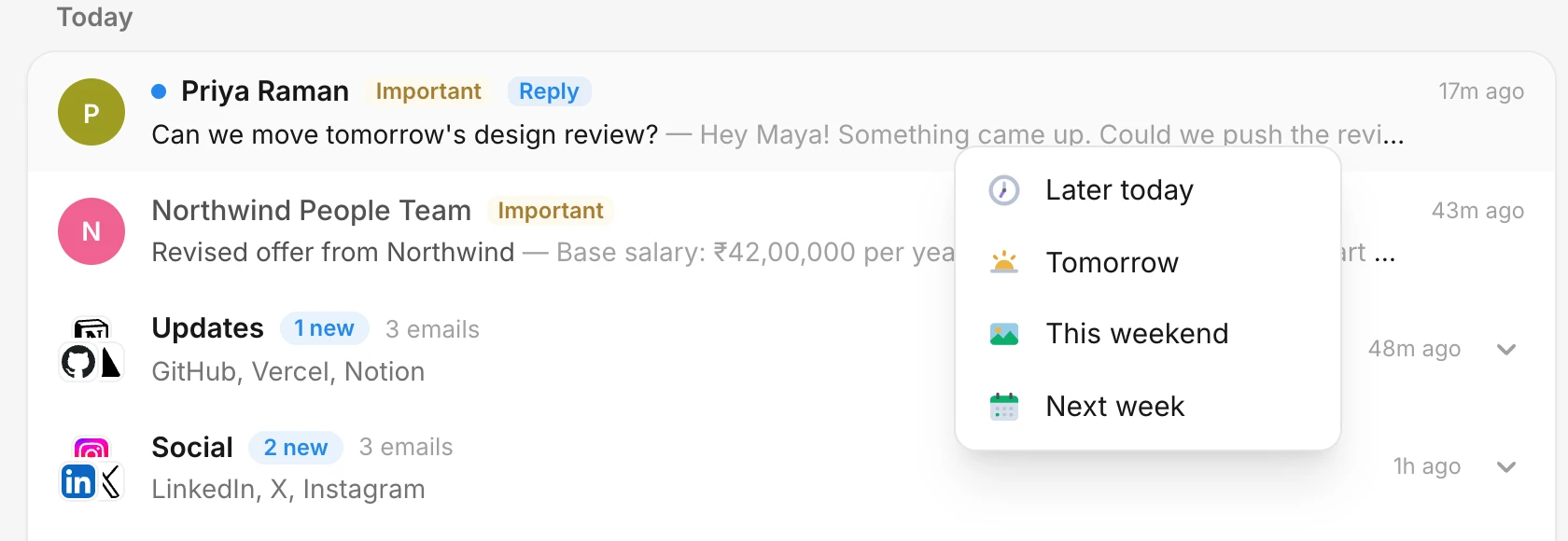
Send anything to later today, tomorrow, the weekend or next week. It comes back to the top of your inbox right on time.
05
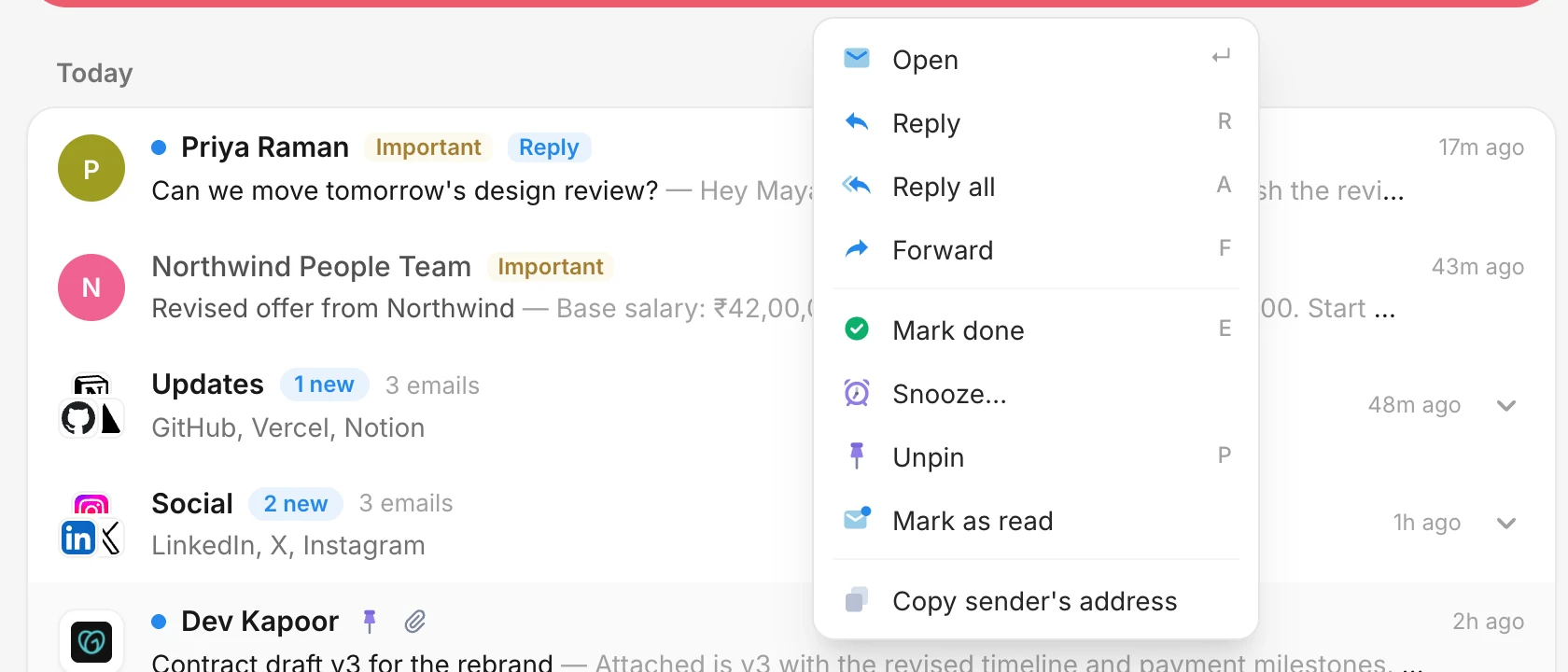
Reply, forward, mark done, snooze, pin or copy the sender from a menu on every email, each with its own shortcut.
06
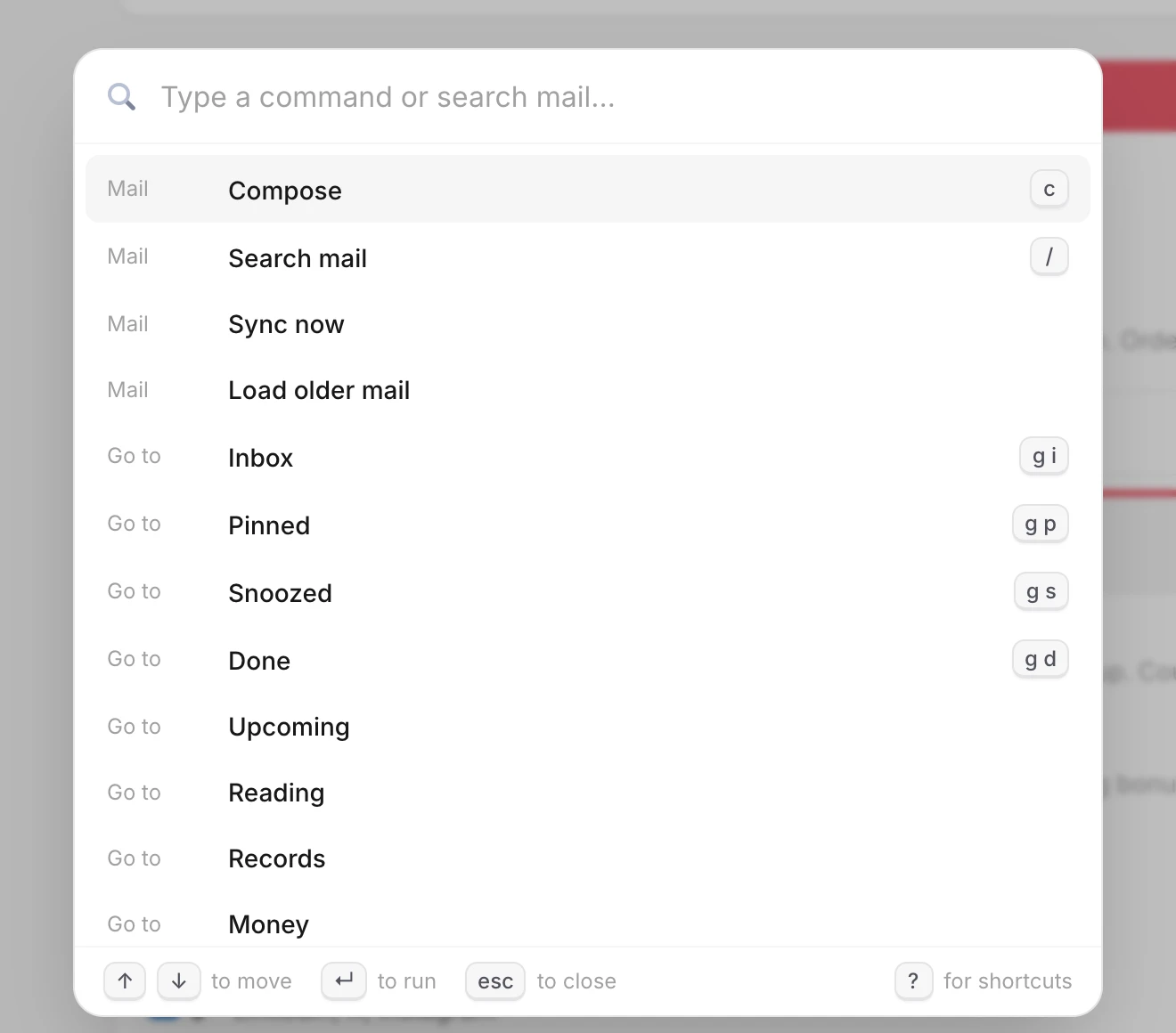
Press ⌘K to run any command, jump to a view or search your mail. j and k move, e marks done, r replies.
Money
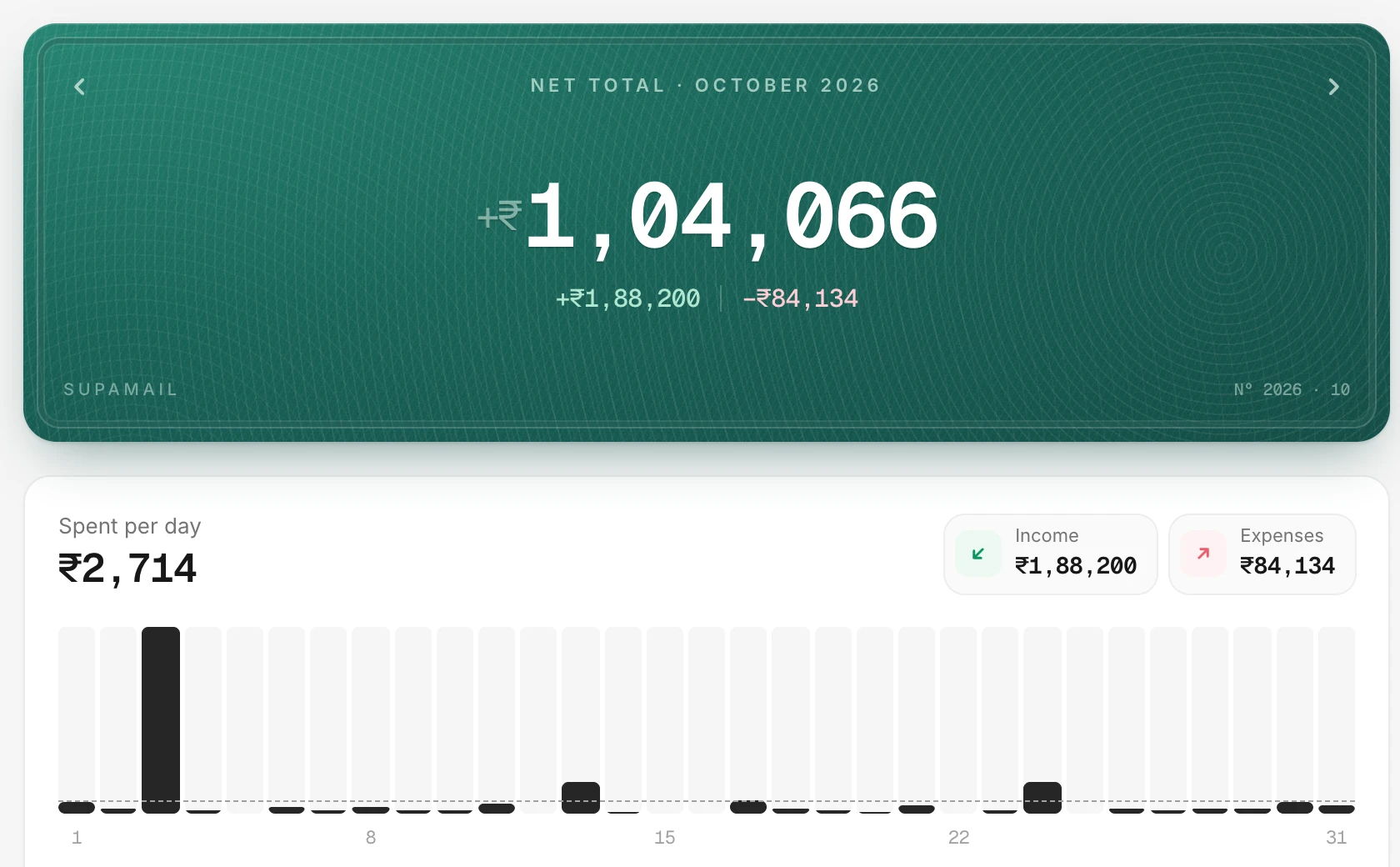
Your bank already emails you every payment. Supamail reads those alerts and receipts and keeps the books: a net total for the month, spending per day, where it went and where it came from.
Everything else
Each kind of email has a rule for when it's finished, so your inbox empties itself and stays that way.
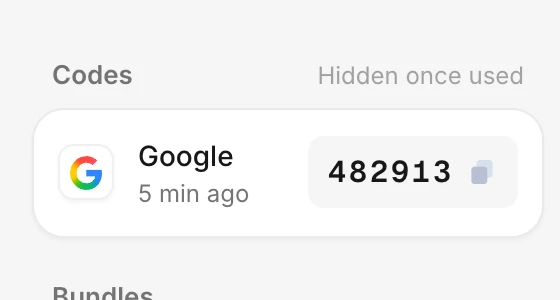
Sign-in codes wait in the sidebar, then disappear once used.
Placed, shipped, out for delivery: every email about an order folds into one card, and leaves a day after it arrives.
Receipts, statements and transactions leave the inbox at once and wait under Records, searchable by kind.
Newsletters wait in Reading. When a new edition arrives, the old one steps aside.
Asked something and heard nothing for three days? Your email comes back with a Nudge.
Everything cleared is listed under Handled with the reason, and Keep in inbox overrides any rule.
Accept, Maybe or Decline sends a real calendar reply. Events stay in Upcoming until they've passed.
Desktop notifications for new mail in your inbox. Bundled mail stays quiet.
Done archives on the server, pins star, and changes from your other apps come back. New mail arrives in seconds.
Gmail, Outlook and IMAP side by side in All inboxes, or one at a time.
A payment far above the usual, or the same charge twice in minutes, stays in your inbox marked Unusual.
The same inbox in any browser, sized for your hand, with a dark theme that follows your system.
Your mail is yours. No ads, no selling, no reading over your shoulder.
Every account uses an authenticator app, with one-time recovery codes.
Mailbox passwords and sign-in tokens are encrypted with a key that belongs to your account alone.
Scripts never run, remote images and trackers wait until you allow them, and links that hide where they go get a warning.
Only verified senders get their logo. Lookalikes are labelled Unverified.
Export everything as a zip, or delete your account and all its mail in one step. Your mail at the provider is never touched.
Connect your mailbox in a minute. Your first sync sorts the last few hundred emails right away.